
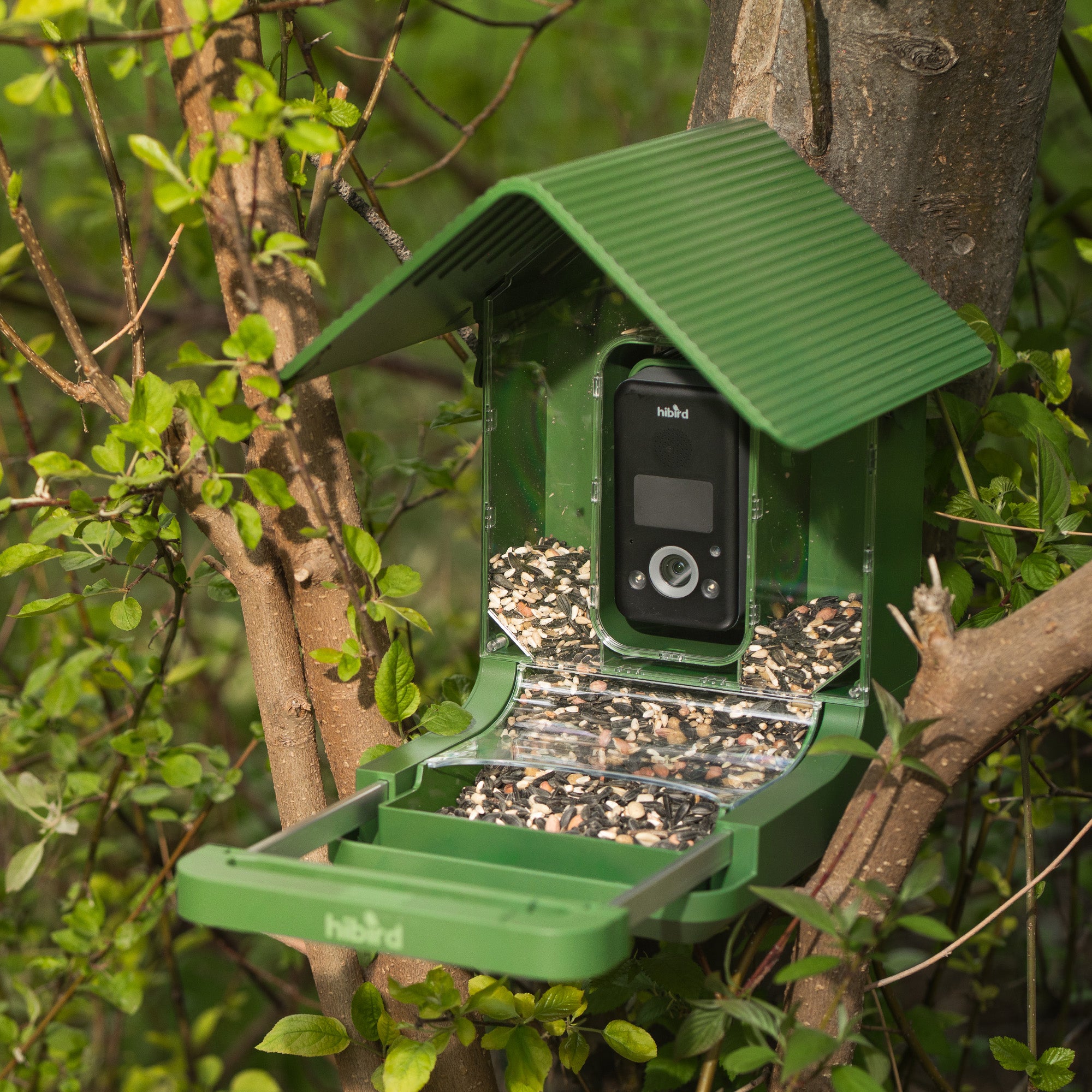
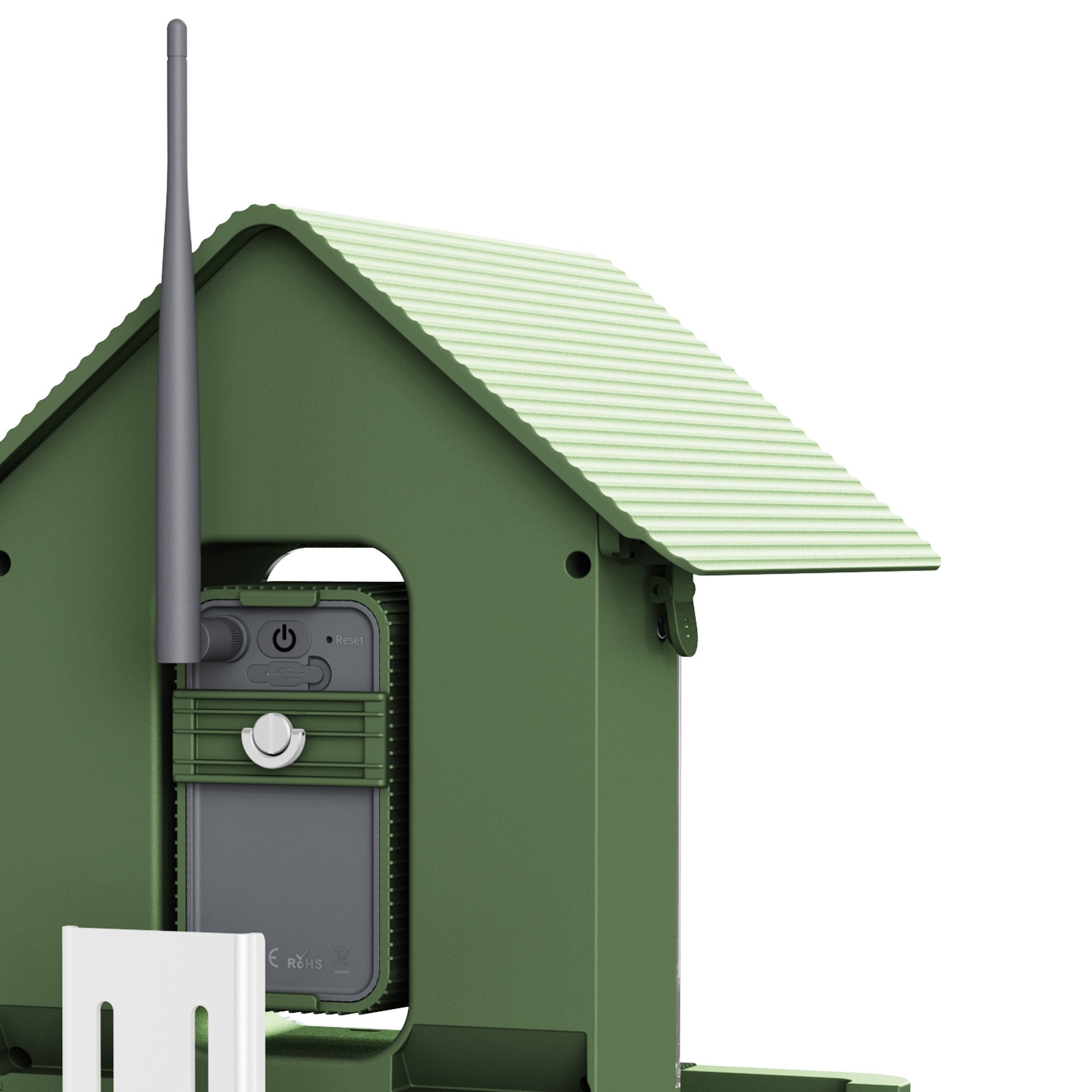
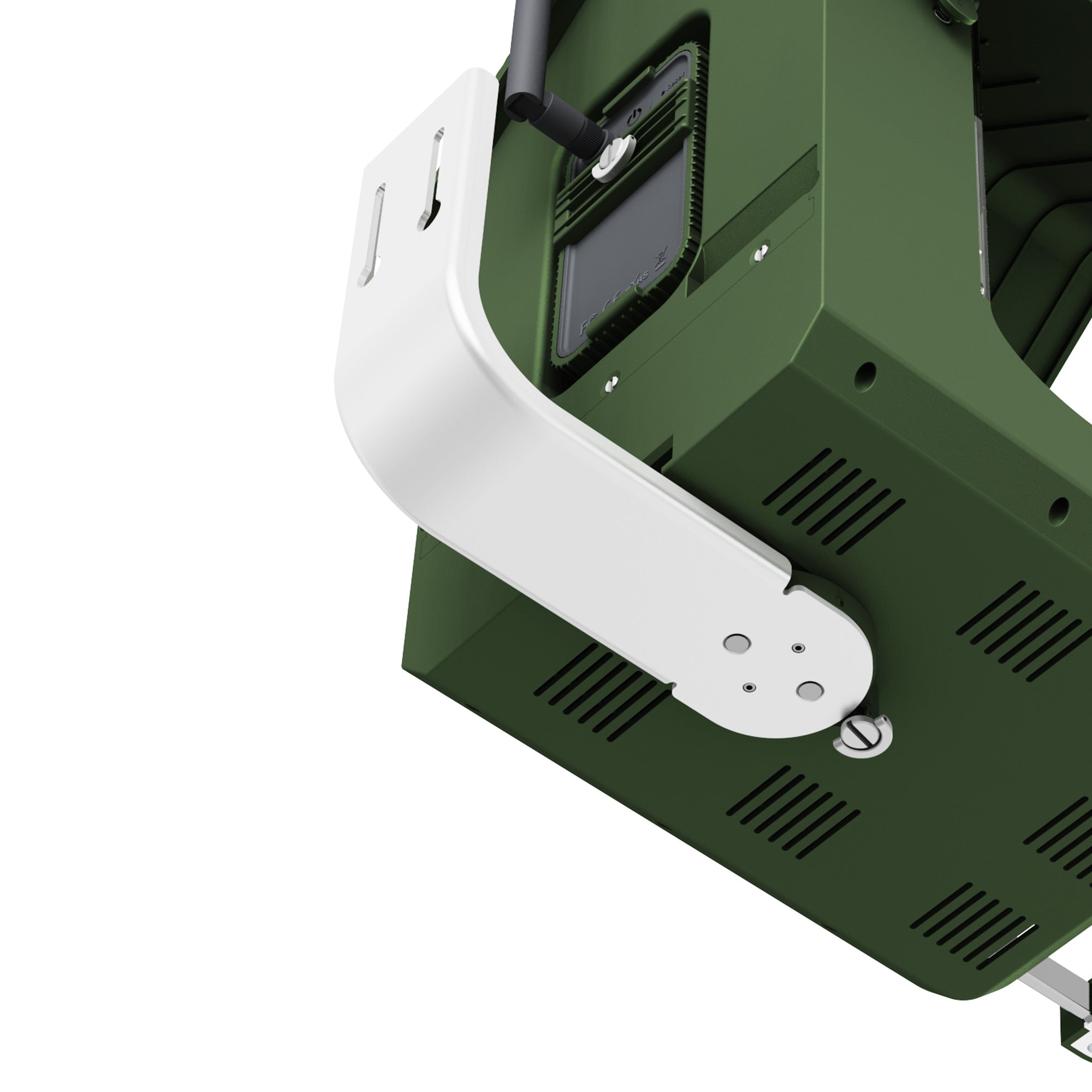
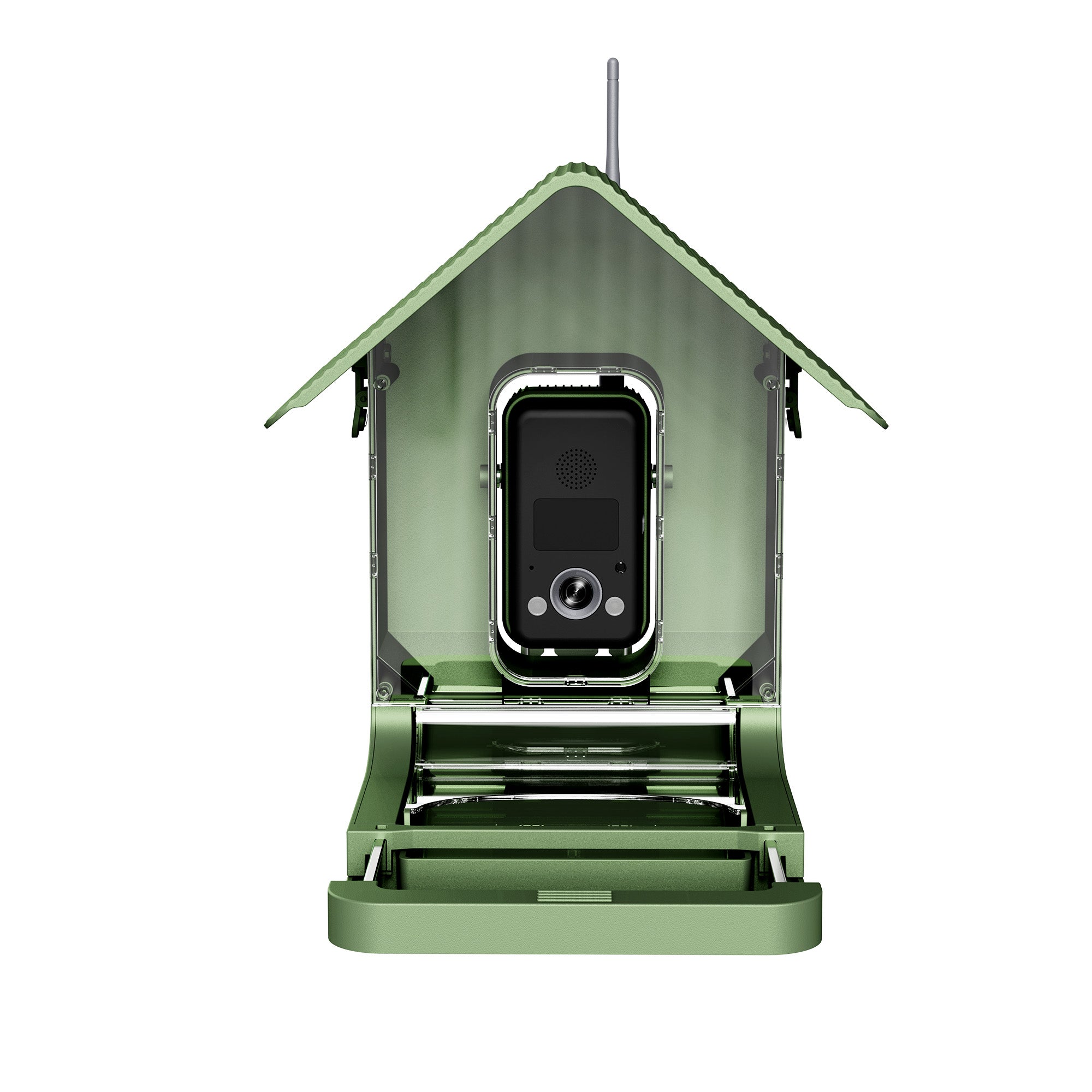
Hibird 4K Smart Bird Feeder with Camera
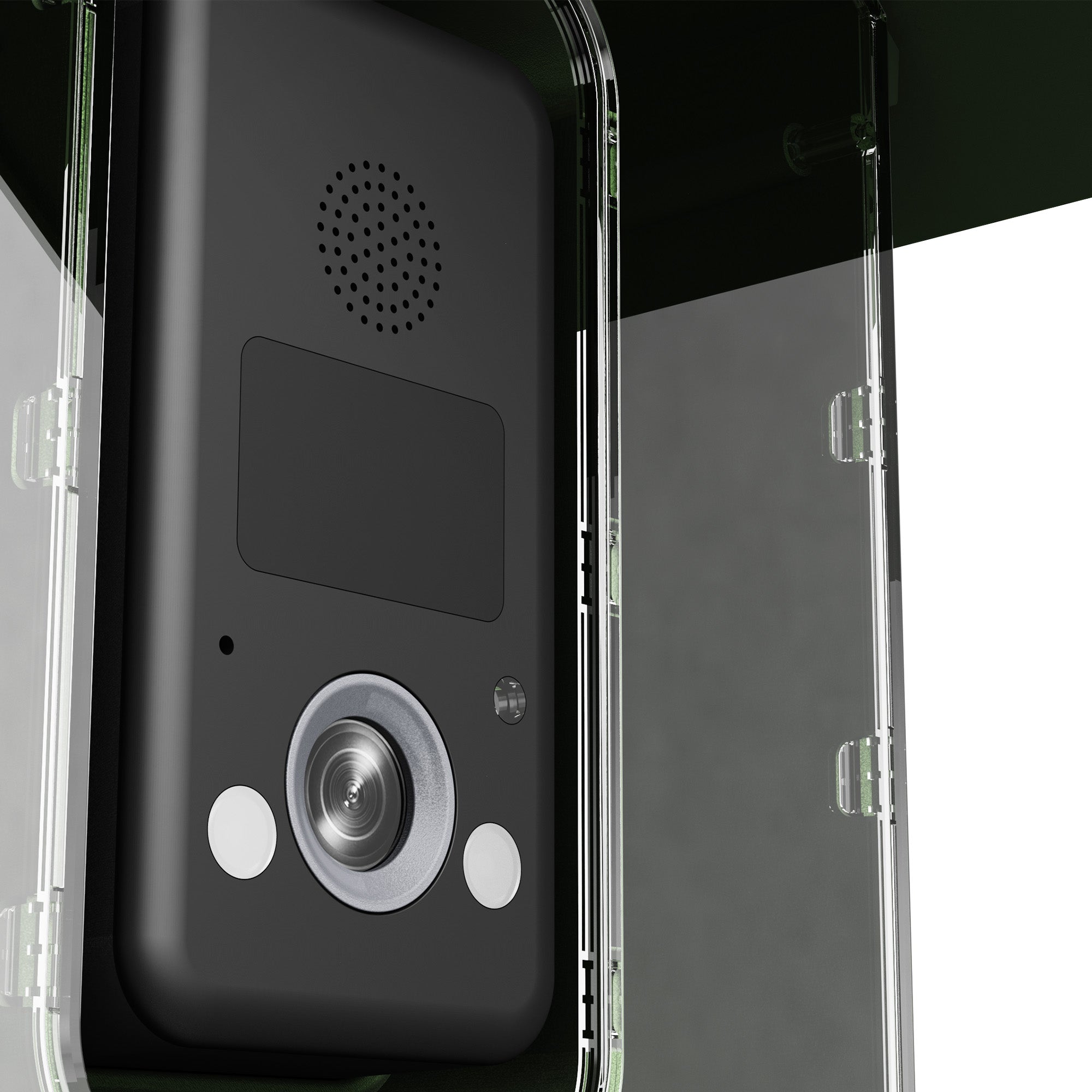
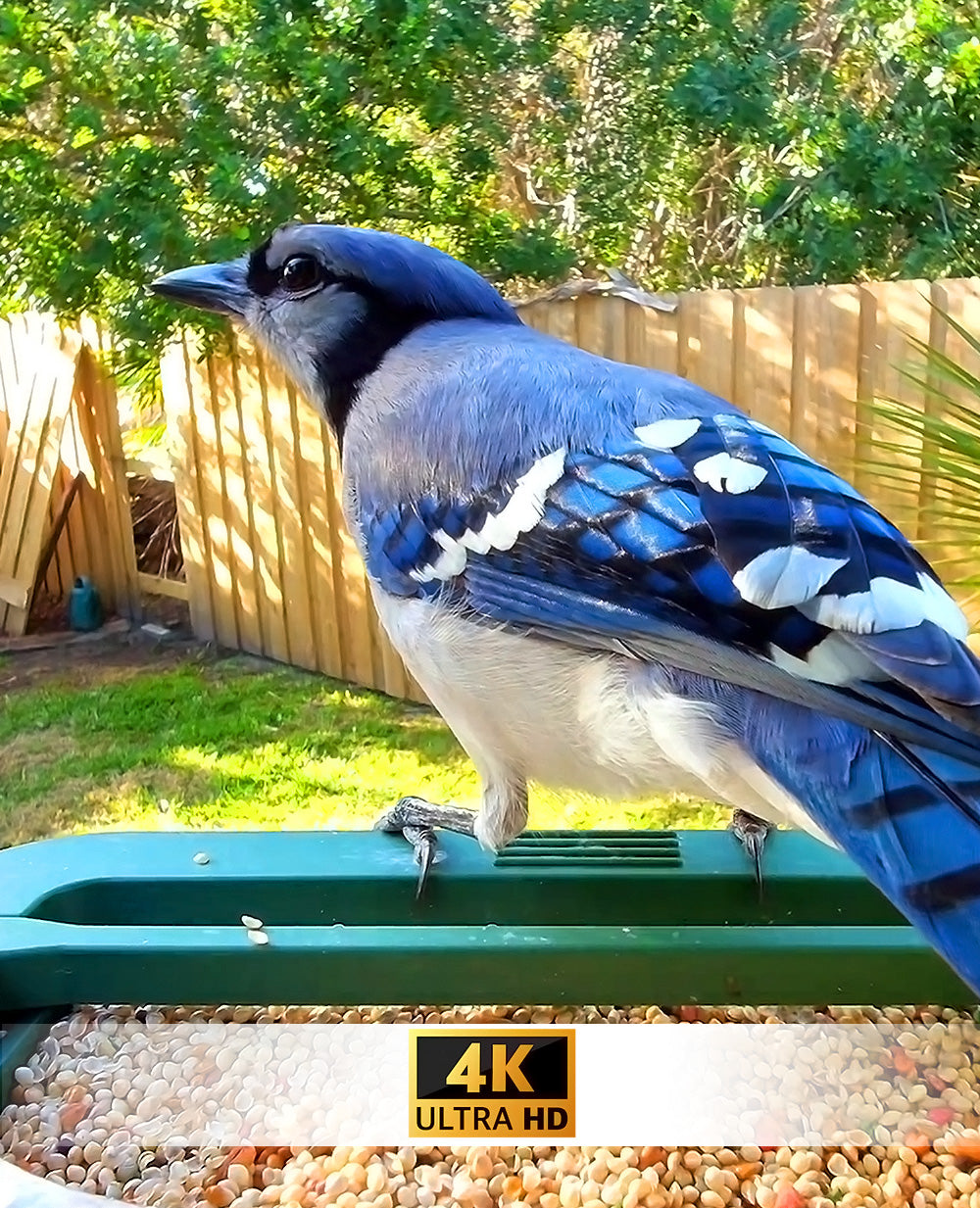
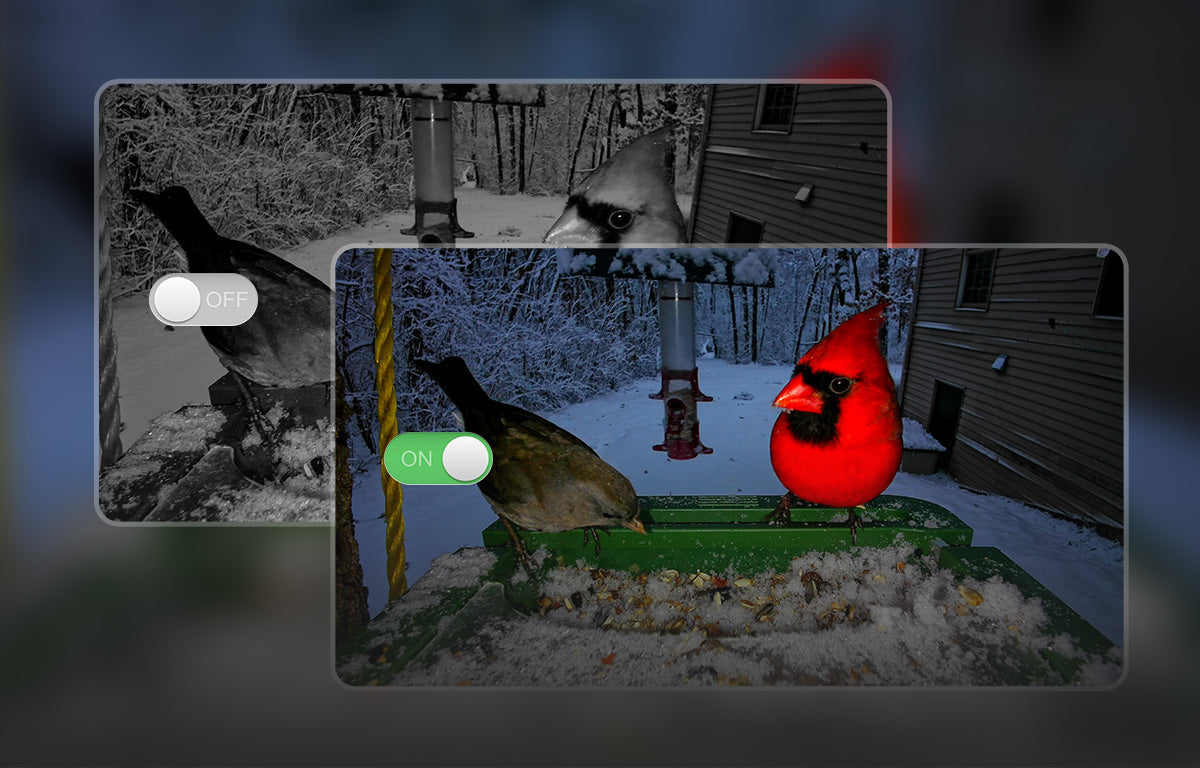
4K Video with Night Vision: Record smooth 4K HD video at up to 30fps to capture wing fluttering and feeding behaviors. Built-in night vision supports clear viewing in low-light conditions, ideal for day and evening bird watching.
Clear Imaging & Fast Motion Detection: An 8MP sensor outputs photos up to 32MP resolution, delivering sharp images with vivid feather details. The PIR motion sensor reacts quickly to bird movement for clearer action shots.
1080p Live Streaming with Dual-Band Wi-Fi: Stream live video in 1080p HD via the mobile app. Dual-band 2.4GHz and 5GHz WiFi provides stable outdoor connectivity.
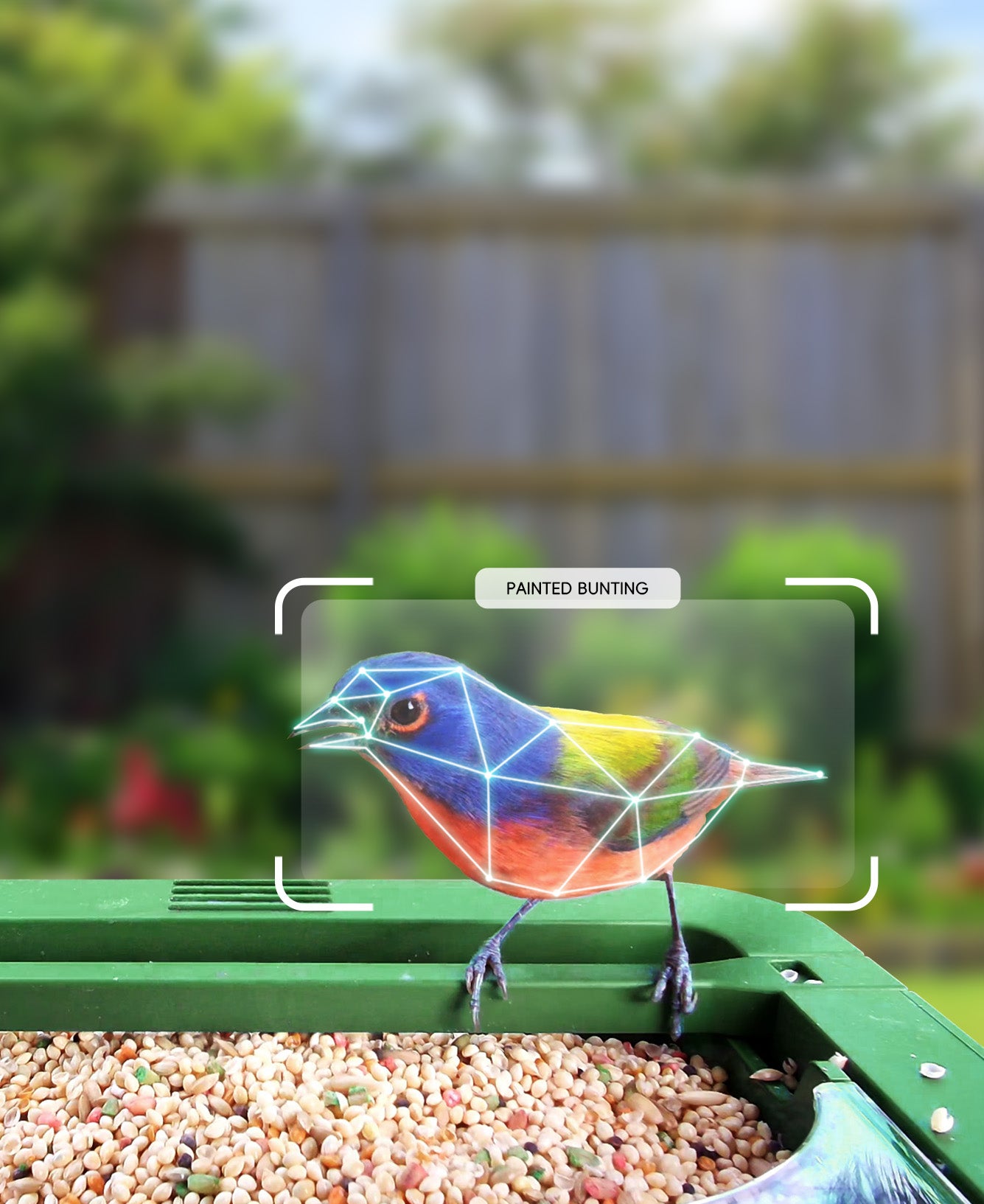
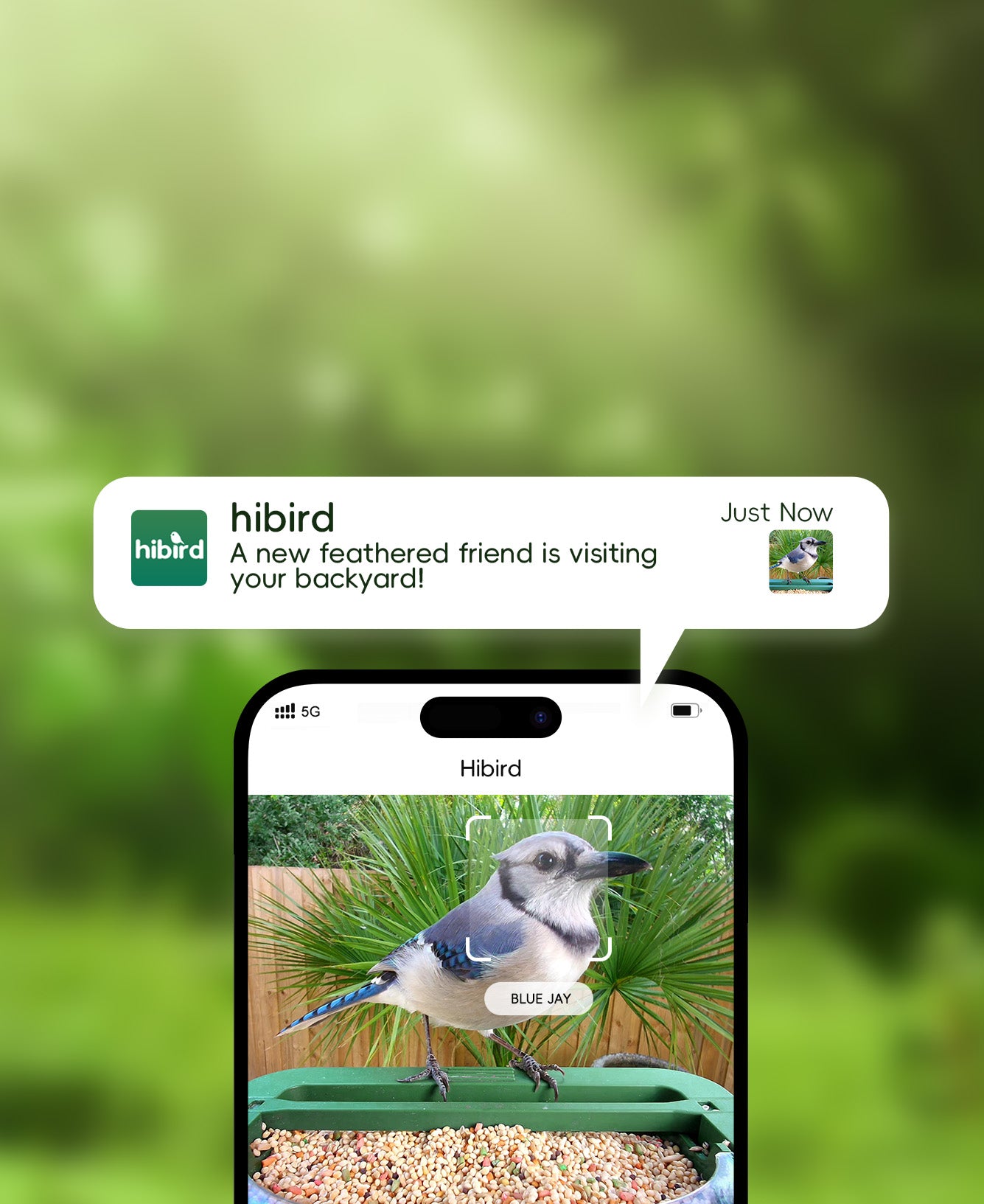
AI Recognition of 10,000+ Bird Species: AI identifies over 10,000 bird species with ongoing updates. The app automatically categorizes and saves photos, creating a personal digital birding log.
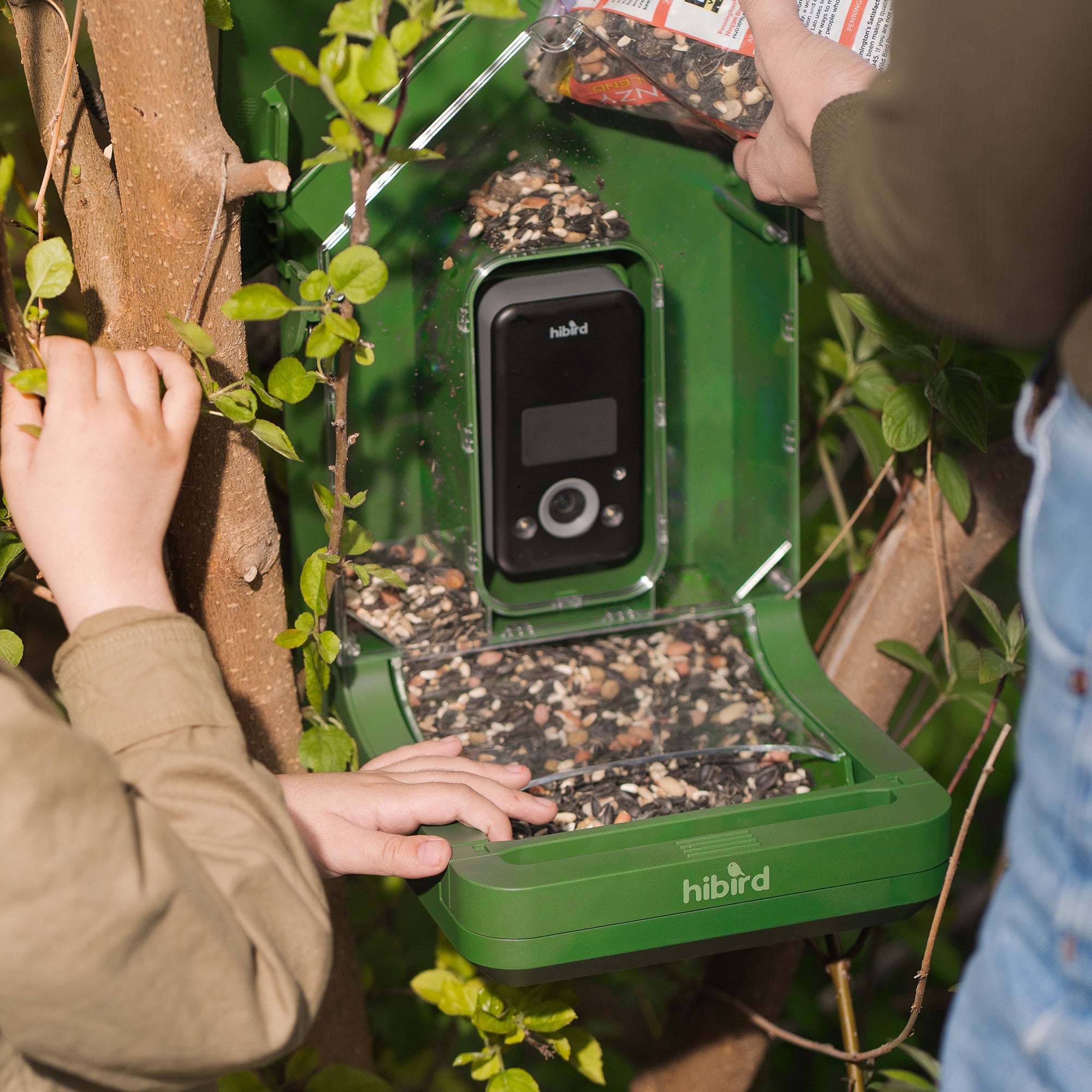
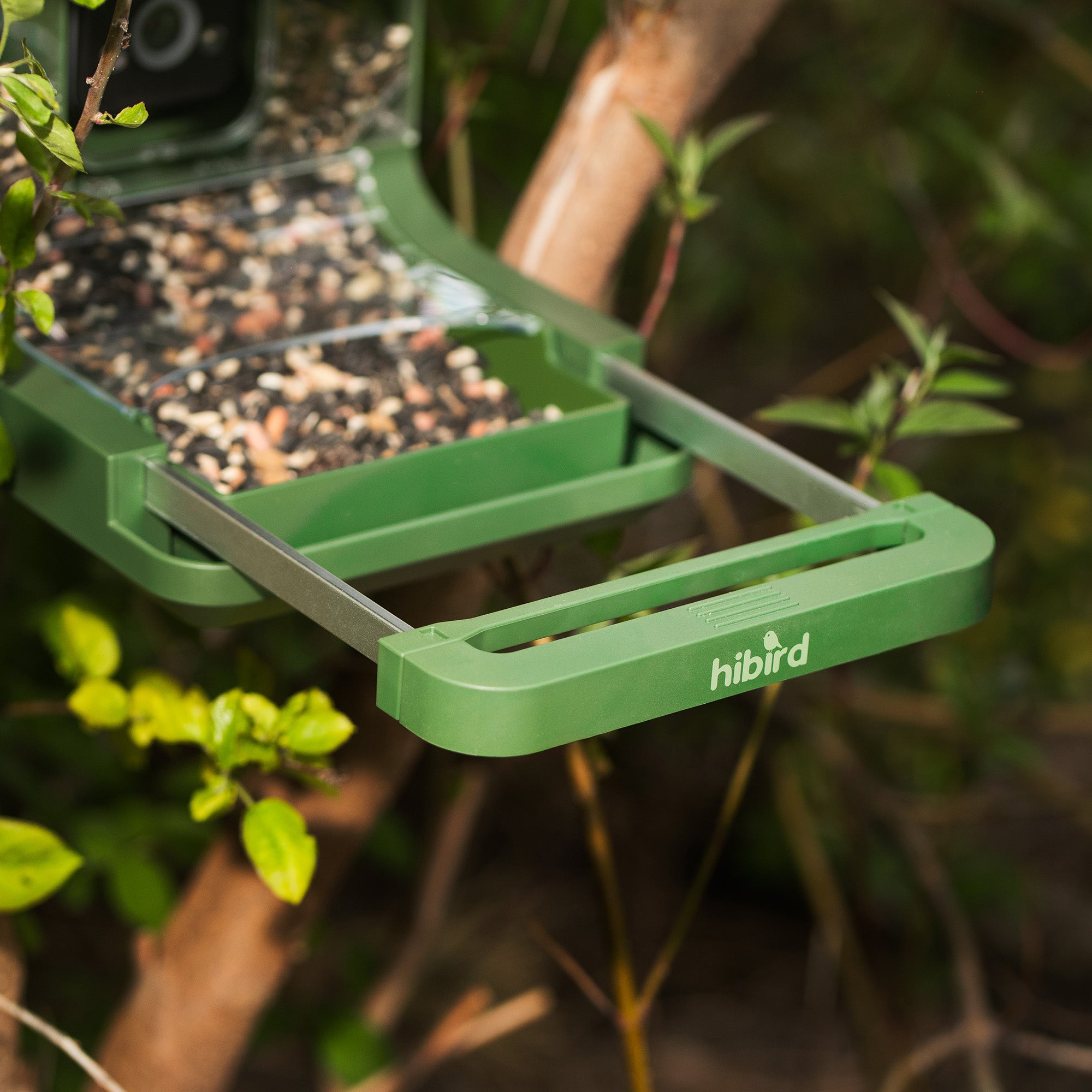
Large Capacity & Easy Installation: The 1.3L hopper supports up to one week of feeding. The all-in-one design installs quickly with included straps for trees, poles, or railings.
IP66 Weatherproof for Year-Round Use: Built with IP66 protection and rated from –4°F to 131°F, suitable for reliable outdoor use in all seasons.
4K HD Video at 30 fps and 6x slow-mo
Smarter Bird Watching: App remote anywhere, anytime
Stellar Image Quality: 8MP sensor for 32MP Image
Supports 2.4GHz and 5GHz
Pairs well with
Advanced in-App AI - Dr Bird
Our self-trained AI can recognize over 11,000 bird species and 19 mammals with over 95% accuracy. Not only does it identify them, but it also provides specific information about any birds detected.


hibird 4K Smart Bird Feeder
Experience nature in its true beauty with our stunning 4K imagery.


FAQs
How do I use my smart bird feeder?
We have prepared a detailed installation and operation video guide for you above.
When will my order arrive?
We will start processing the order within 24 hours of placing the order.
How do I connect my Hibird APP?
1. On the camera page in the app, hit the + button in the top right corner.
2. Select "Add my camera" and get ready to scan the QRcode on your camera. This will take you to the "Add Camerapage.
3. Give your camera a name and hit Next.
4. Or you can get the details here: https://www.youtube.com/watch?v=Y0gyF7rkTS4
How to switch Wi-Fi networks for your Hibird Smart Bird Feeder Camera?
After the camera is turned on, it will play the voice "Please configure the Wi-Fi network"which indicates that the camera is alreadyin the network configuration mode.If the camera doesn't play the voice, pleasedouble-click the Power button to enter thenetwork configuration mode. Or you can get the details here: https://www.youtube.com/watch?v=zPy0pO7ZvnU
How to replace the MicroSD (TF) card on the Hibird Smart Bird Feeder Camera?
1. Prepare an Empty MicroSD (TF) Card
2. Set >Advanced >Format SD Card
Does it need Wi-Fi to operate?
We support 2.4G/5G WiFi.
Can more than one person connect to Hibird APP?
Yes, you can invite your friends and family to share the great photos captured.
Does the battery last long?
We have a 10,000 mAh camera battery + 3000 mAh solar panel battery.