Hibird Pro 4K Smart Bird Feeder with Camera
Description
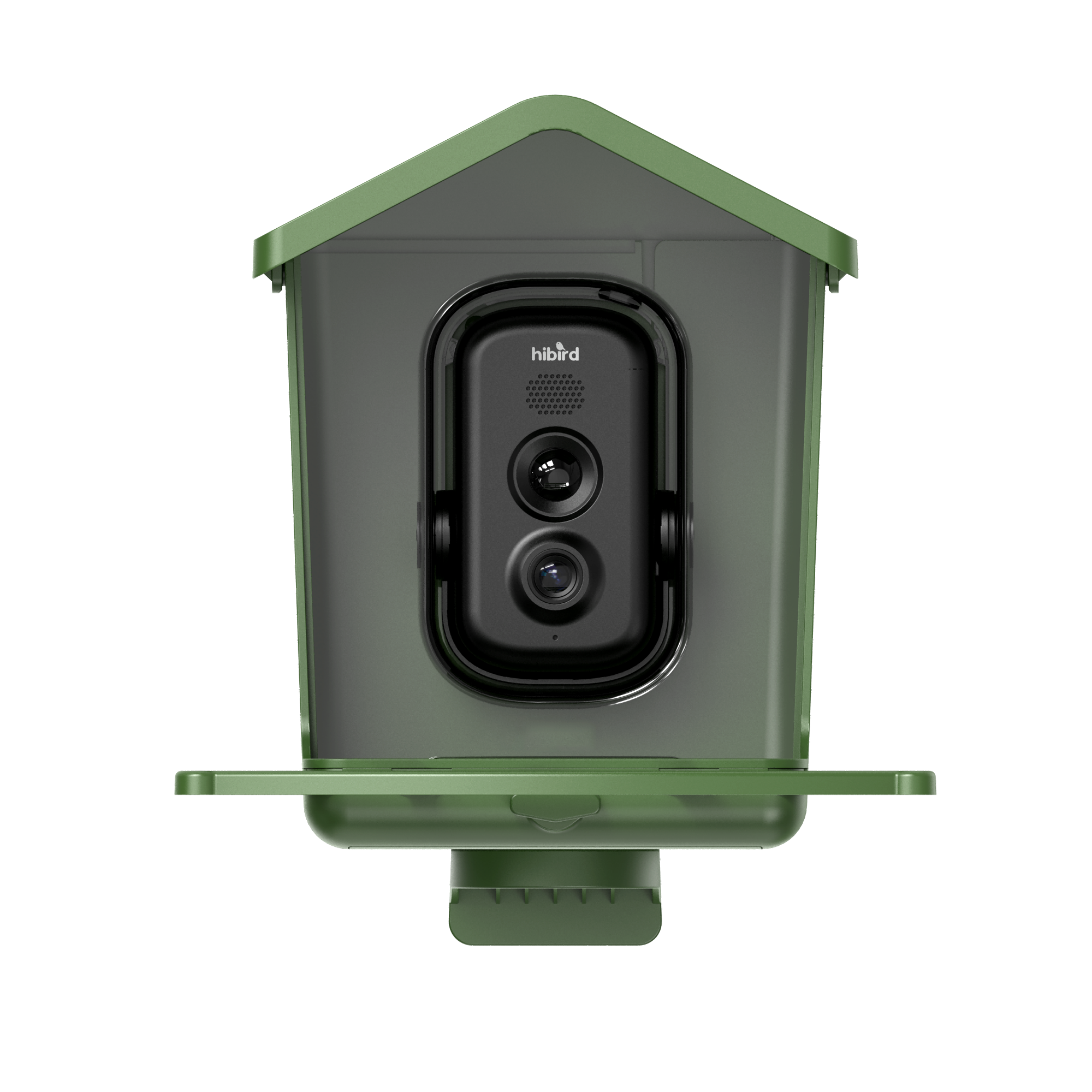
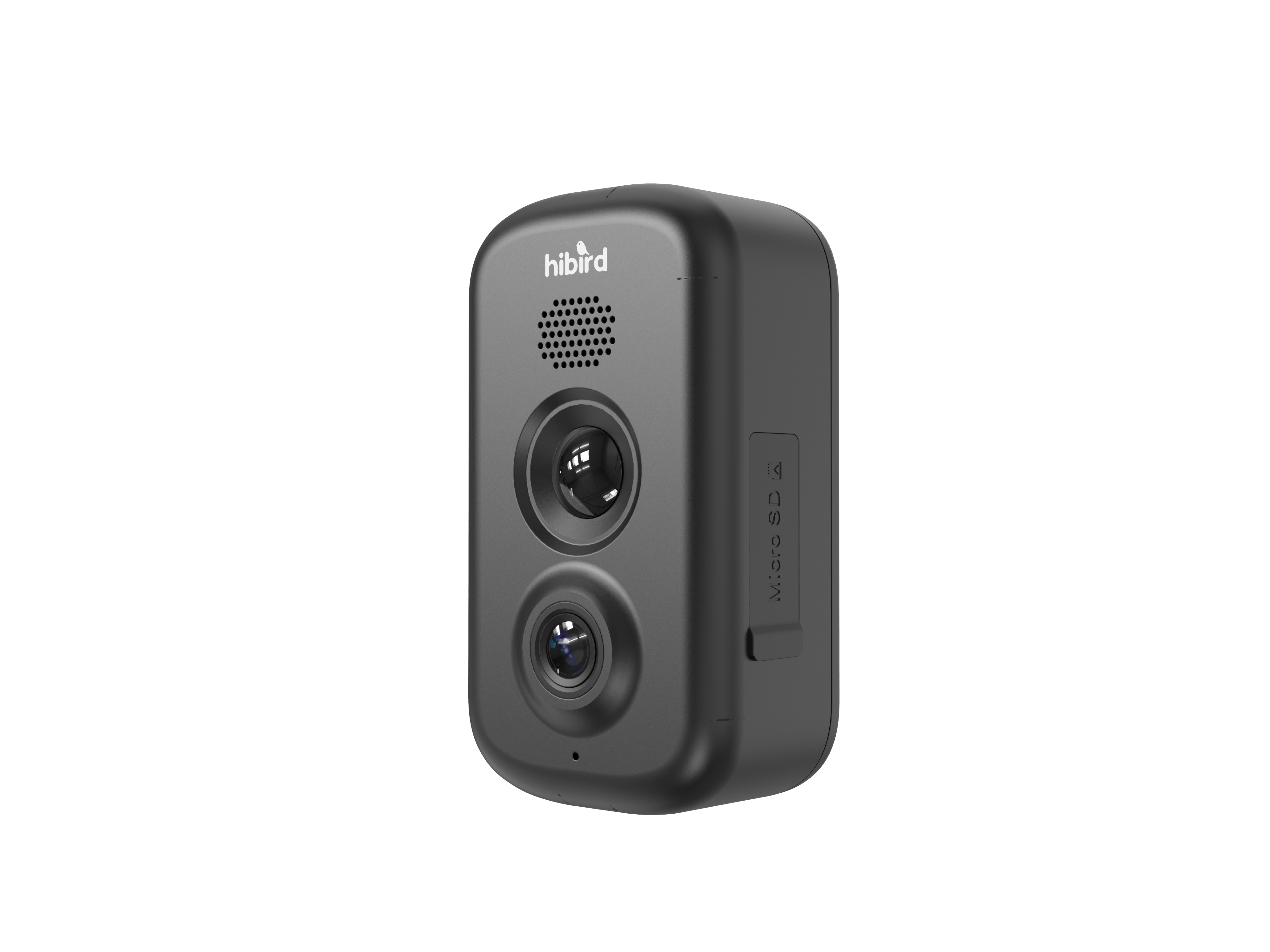
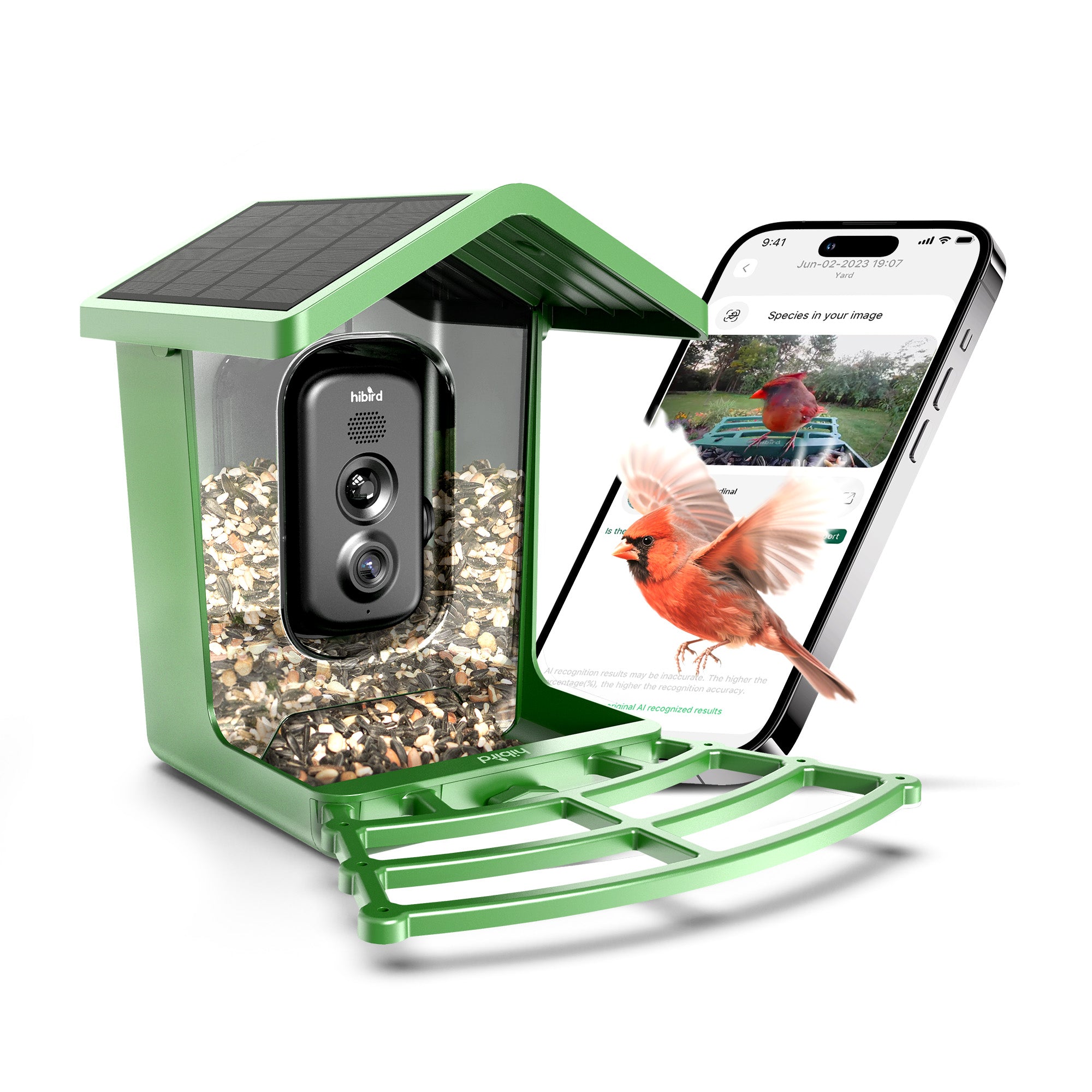
4K Ultra HD Camera with Slow Motion- Hibird Pro smart bird feeder camera captures sharp 4K video and 32MP photos, revealing fine feather details and natural colors. The 130° wide-angle lens supports clear close-up viewing from 10–30 cm, while 6× slow-motion video lets you observe birds fluttering, jumping, and feeding in detail.
Dual-Band WiFi for Stable Live Streaming- Supports both 5GHz WiFi for faster streaming and 2.4GHz WiFi for wider coverage. Enjoy smooth 1080p live streaming through the mobile app and monitor bird activity anytime.
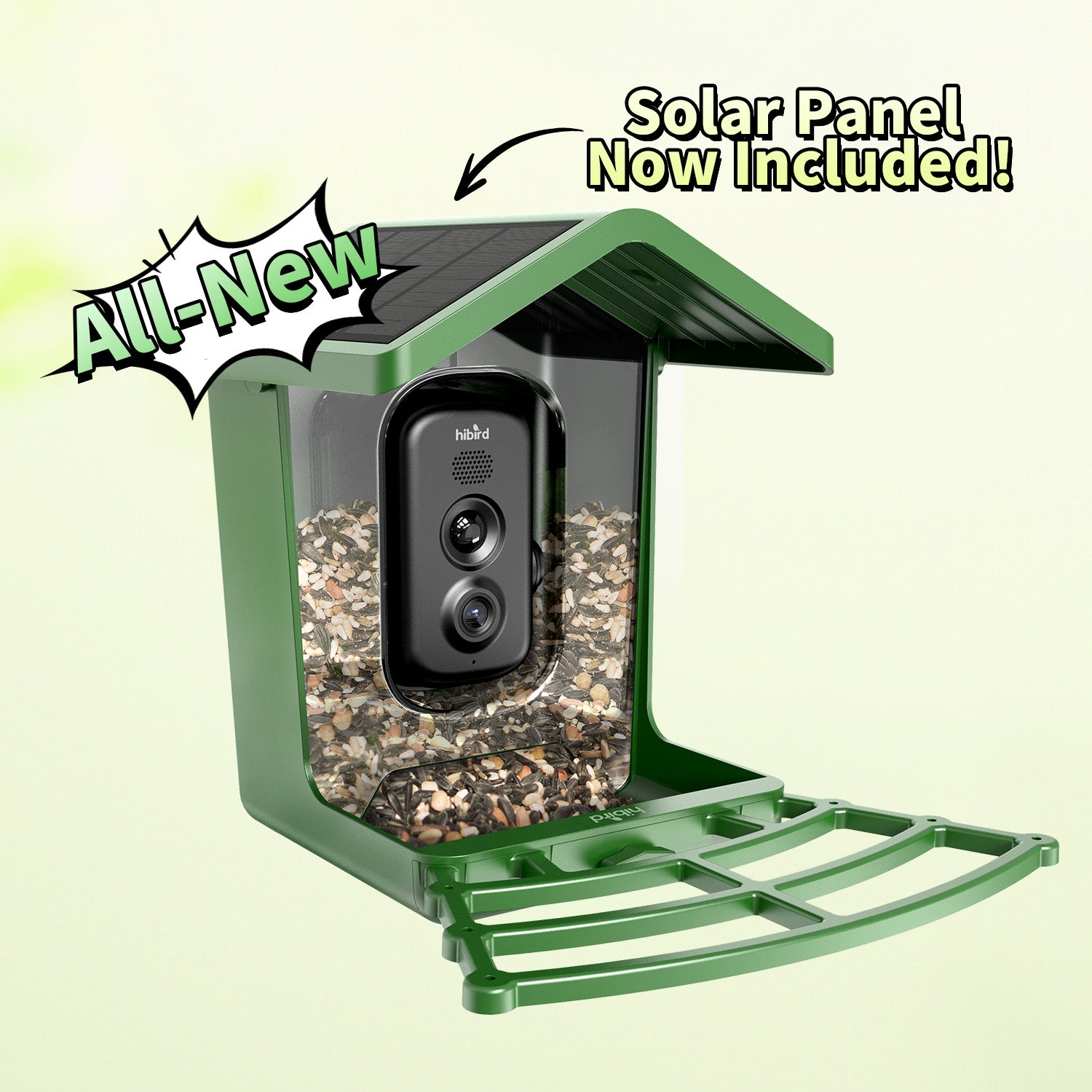
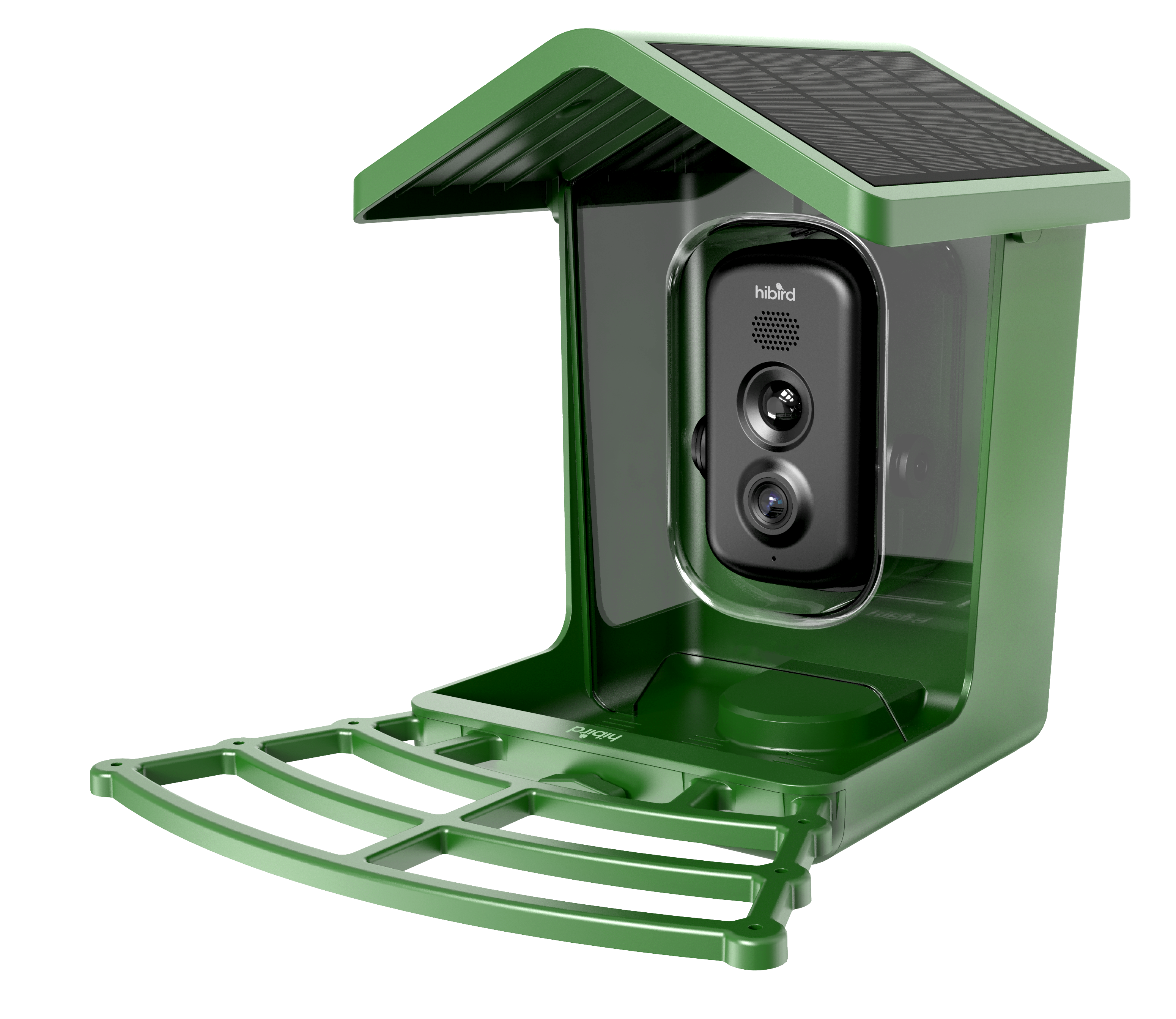
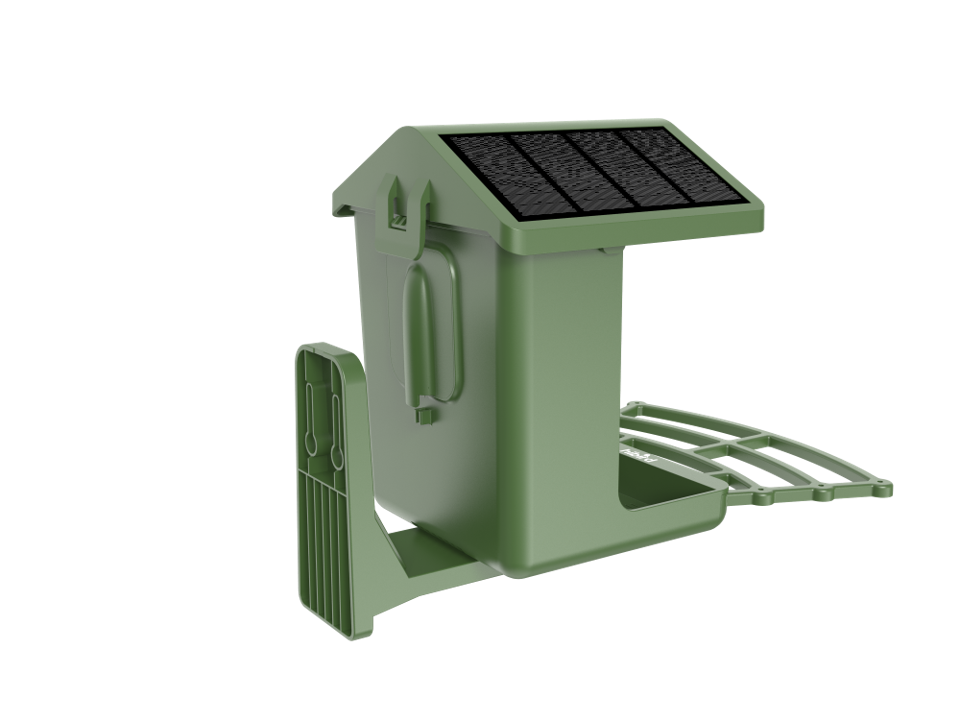
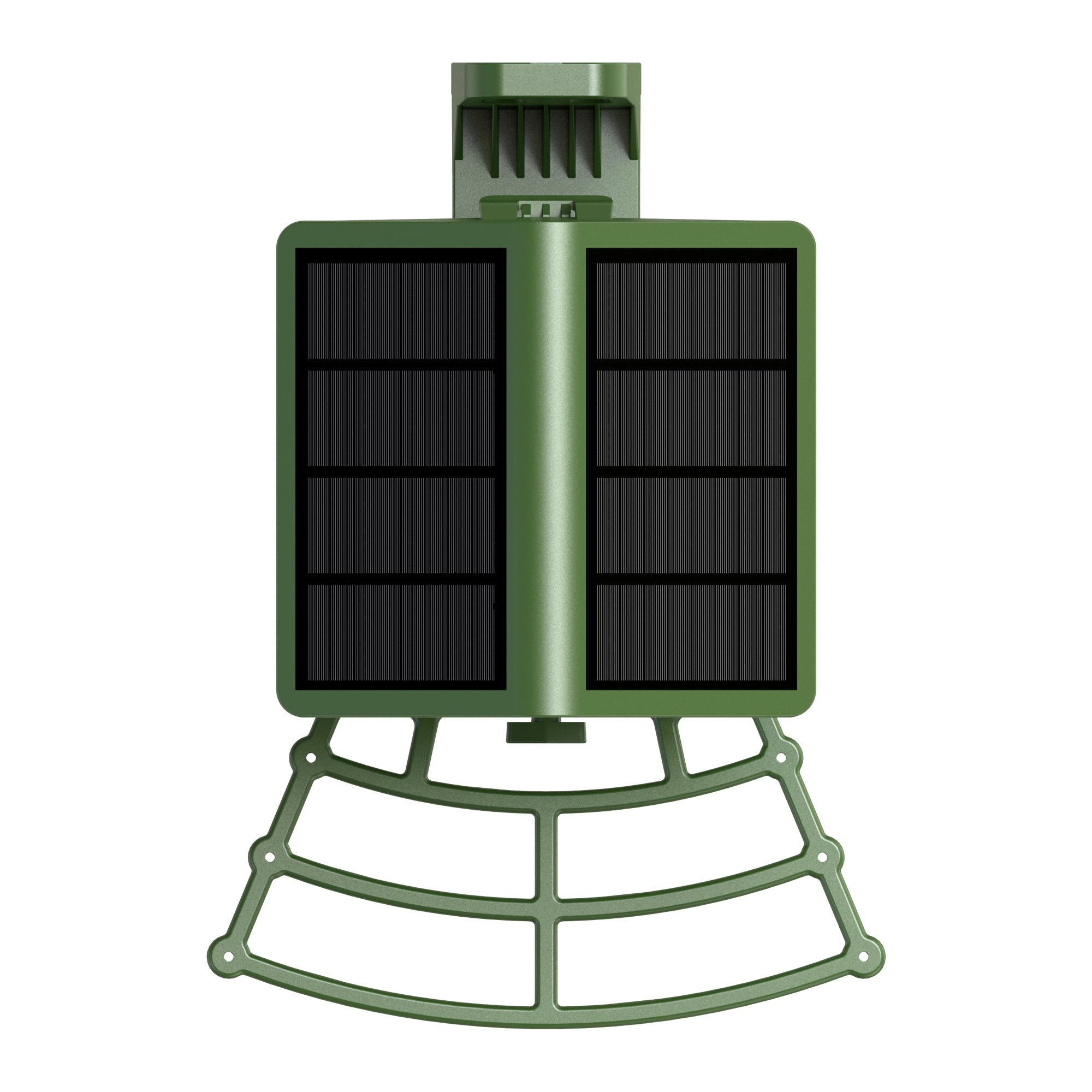
Solar Powered for 24/7 Outdoor Use- A built-in 5000mAh battery paired with a 5W dual solar panel keeps the feeder running continuously. The IP66 weatherproof design works reliably from –4°F to 131°F, making it suitable for year-round bird watching.
AI Bird Recognition- Advanced AI identifies 10,000+ bird species with regular updates. The app automatically classifies and stores captured images, helping you build a personal digital birding log.
Large Capacity & Easy Installation- The 1.3L food hopper holds enough feed for up to one week. A one-piece integrated design allows quick setup, and included straps secure the feeder to trees, poles, or railings.

True 4K Ultra HD
See your feathered friends like never before — every color, every detail, every sparkle brought to life in vivid 4K resolution.

Seamless Dual Band Connection
2.4/5GHz Wi-Fi connection? Not a problem!

FAQs
How to set up the camera and install the feeder
Please check our installation guide
Can I still use the device without a subscription?
Yes. Basic features, such as taking photos and live preview, remain free, and you can continue using your Hibird device normally.
Subscriptions mainly unlock advanced features, including:
- Cloud storage and playback of historical videos
- AI bird recognition and classification, including AI-sorted albums
- High-definition video (2K/4K) and photo downloads (16MP/32MP)
How to charge the camera?
You can charge the camera using the solar panel built into the feeder.
You can also remove the camera and charge it using a USB cable. Use the original gray USB-C cable and a 5V power supply to charge the camera.
During normal charging, the indicator light at the back will be yellow. Once fully charged, the green light will turn off.
If charging issues persist, please contact our customer support at support@hibird.com for further assistance.
How to View Captured Photos?
Please click the link to view the detailed tutorial.
Does this work with 5GHz Wi-Fi, or is it 2.4GHz only?
The K6 supports both 5GHz WiFi for faster streaming and 2.4GHz WiFi for wider coverage. Enjoy smooth 1080p live streaming through the mobile app and monitor bird activity anytime.
How accurate is the AI bird ID?
Advanced AI identifies 10,000+ bird species with regular updates. The app automatically classifies and stores captured images, helping you build a personal digital birding log